CLR✦FINANCIAL
0 selectedBuild my account →

CURRENT PAYMENT HARDWARE

Every right-sized option.
One clear collection.

Browse current Clover and supported Ingenico equipment in one place. Open any product for details, then select the setup you want CLR to validate.
See every product ↓Continue with my setup →
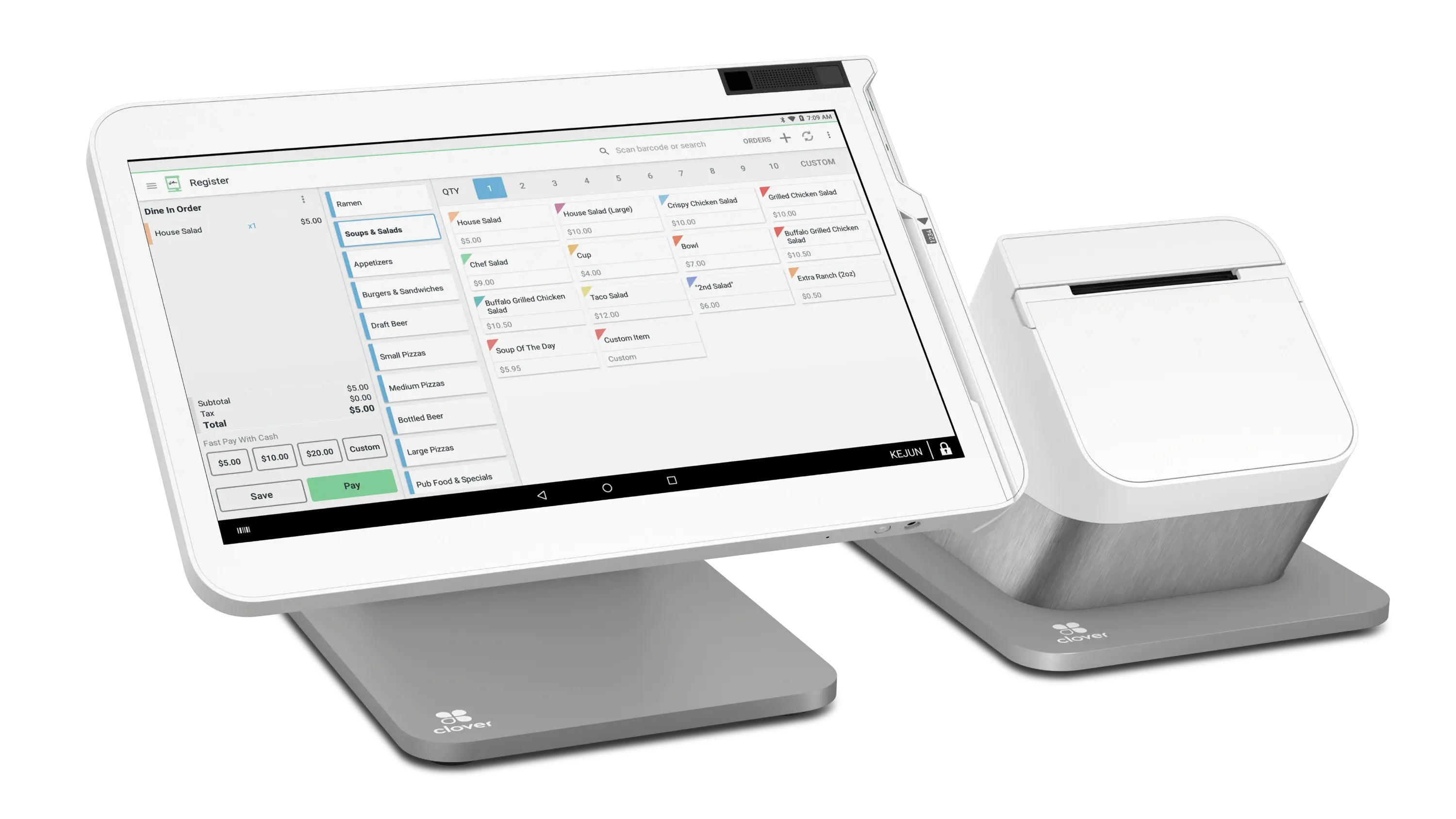
Clover Station Duo 2 dual-screen point-of-sale systemCLR / COMPLETE COLLECTIONBUILT AROUND YOUR WORKFLOW
01

Browse everything. No industry filter hiding equipment that may fit your workflow.

02

Selection is not an order. We confirm processor, software and connectivity compatibility first.

03

Approved merchants can request equipment in their portal. Final pricing and fulfillment follow the signed equipment agreement.

EQUIPMENT WITHOUT THE FINE PRINT GAMES

Clear hardware.
Clear ownership.

Final availability and pricing depend on the approved processing setup, but the way you pay for equipment should never be a surprise. Select the structure you want CLR to review.
CLR RULE

No mystery “free terminal.” You see who owns it, what it costs, and what happens if processing ends before you agree. Current preference: Purchase outright.

Build my setup →

CURRENT EQUIPMENT CATALOG

The complete collection.

11 current hardware options · Organized by how they work, not by industry.
ONE PAGE. NO FILTER.

Choose a product image to see its complete profile.

COMPLETE CLOVER POS

Run the whole counter.

Full operating systems for merchants who need payments, staff, inventory, reporting and customer experience working together.
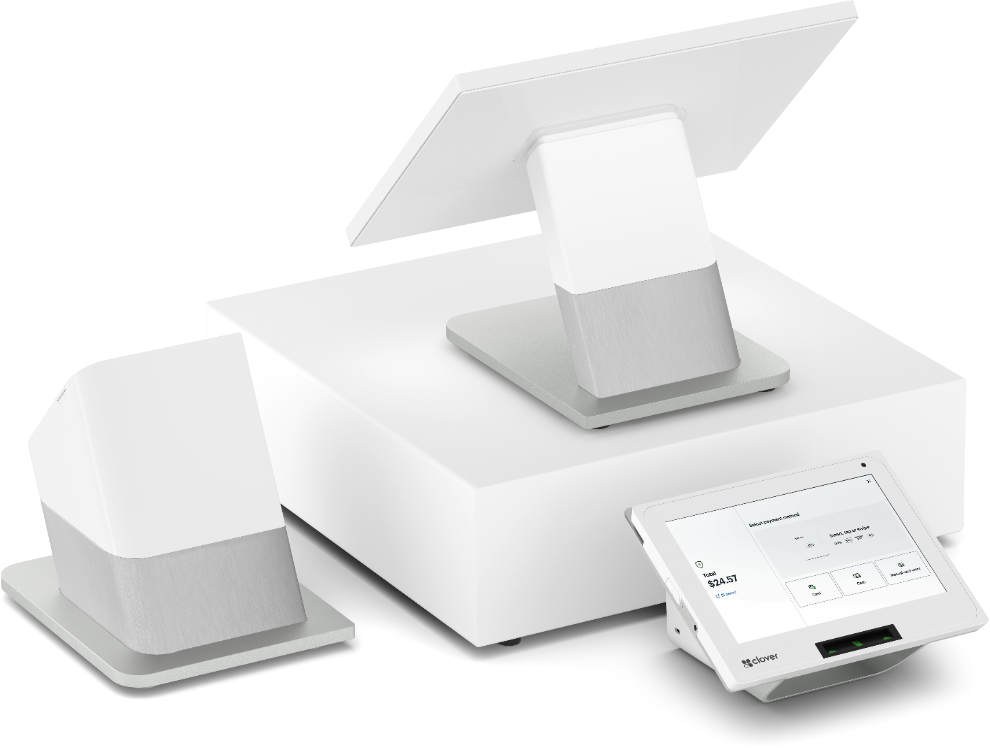
Dual-screen flagship POSCLOVER
CLOVER Station Duo 2View product ↗

CLOVER

Station Duo 2

A full two-screen checkout with a large merchant workspace and a dedicated customer display for fast, clear payment handoffs.BEST FORHigh-volume retail · Counter-service restaurants · Busy front desks
  • 14-inch merchant display
  • 8-inch customer display
  • Integrated receipt printer
All-in-one countertop POSCLOVER
CLOVER Station SoloView product ↗

CLOVER

Station Solo

A complete merchant-facing workstation with the screen space and included peripherals to manage payments and daily operations from one counter.BEST FORRetail · Professional services · Full-service restaurants
  • 14-inch HD display
  • Receipt printer included
  • Cash drawer included
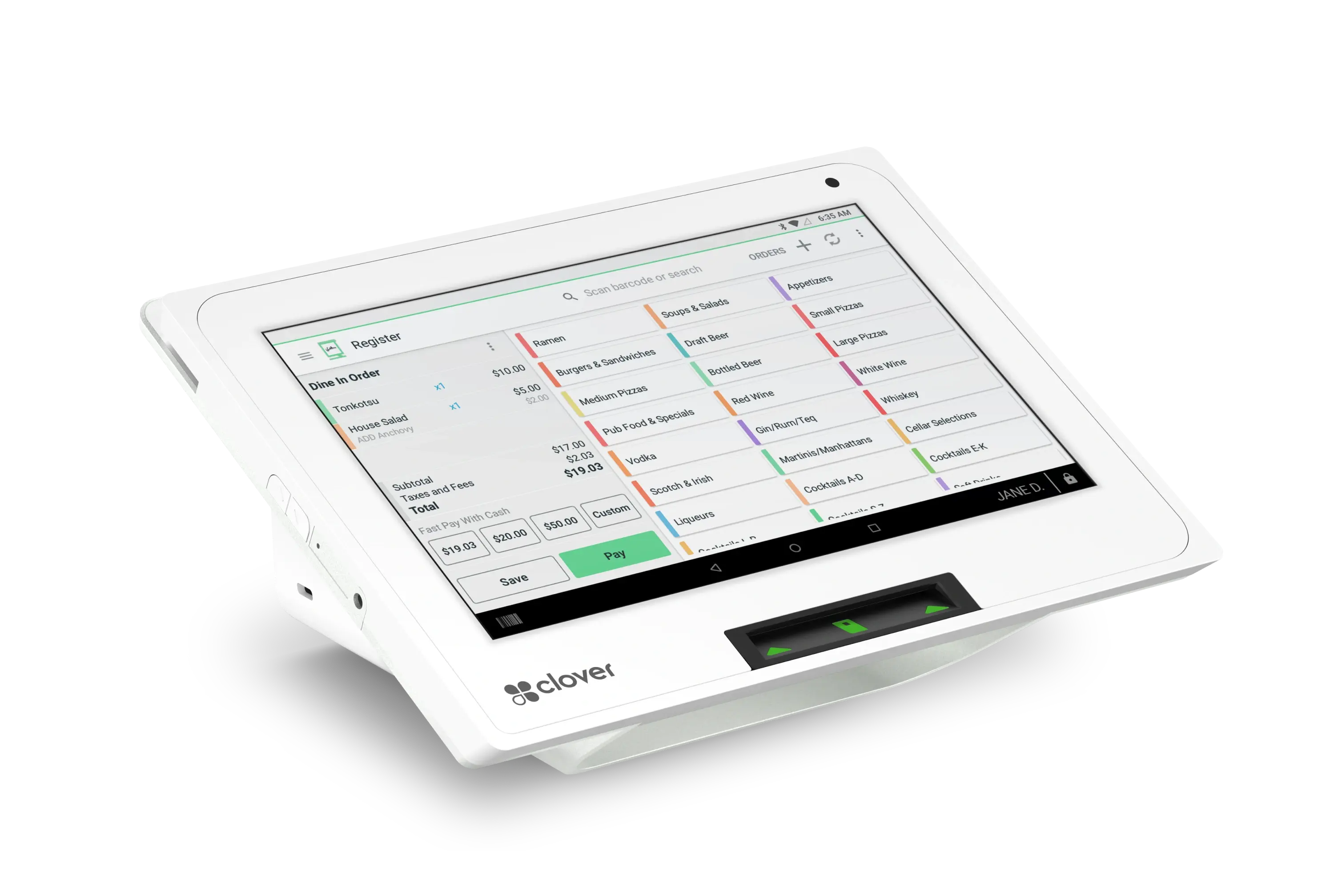
Compact full POSCLOVER
CLOVER Mini 3View product ↗

CLOVER

Mini 3

A small-footprint POS that still handles payments, receipts, inventory, reporting and the Clover app ecosystem.BEST FORMedical and wellness · Boutiques · Cafes and quick service
  • 8-inch touchscreen
  • Built-in receipt printer
  • Chip, tap and swipe

MOBILE + COMPACT CLOVER

Take checkout where the work happens.

From a full handheld POS to a small countertop terminal or phone reader, these cover the space between a register and true mobility.
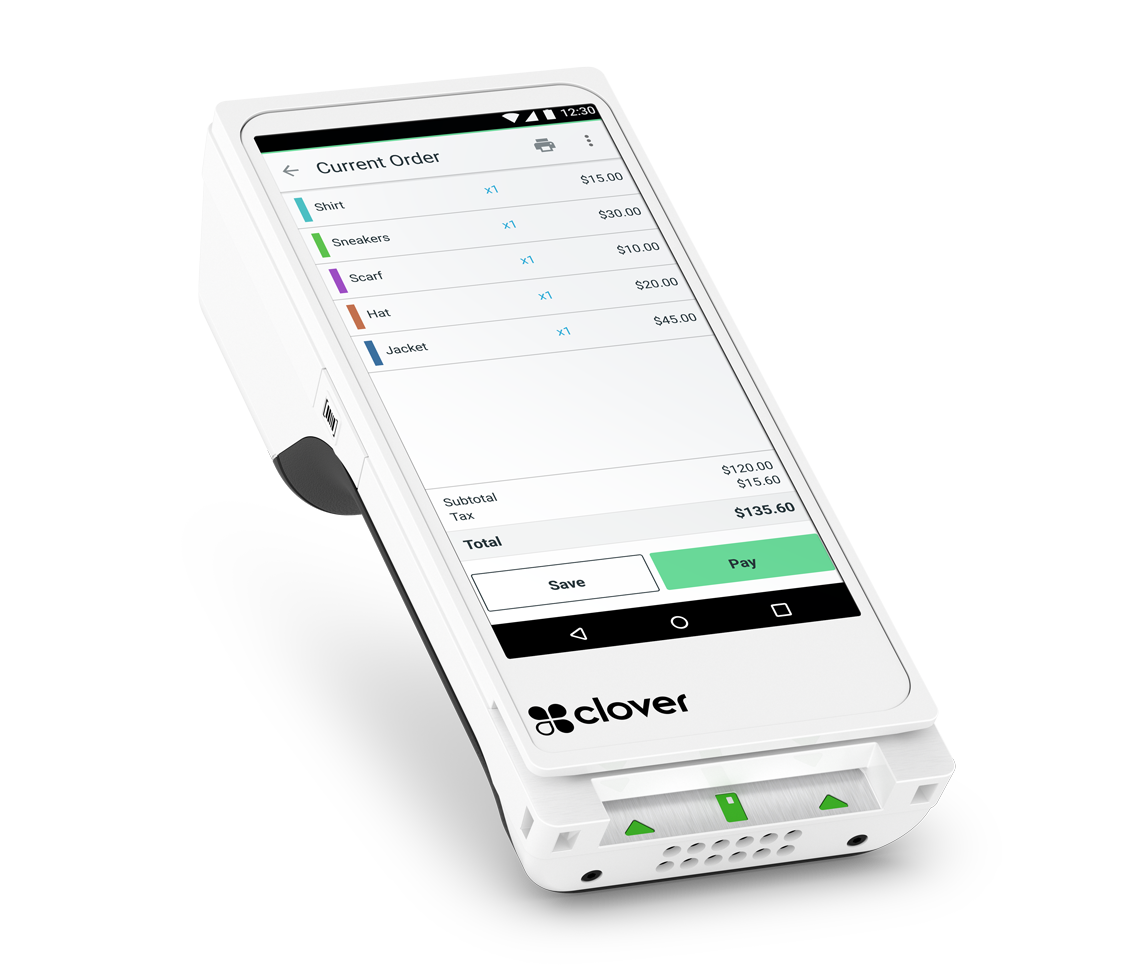
Handheld POS with printerCLOVER
CLOVER Flex 4View product ↗

CLOVER

Flex 4

A full handheld POS with a large touch display, built-in receipt printer, camera and mobile connectivity.BEST FORTableside service · Line busting · Mobile healthcare and services
  • 5.99-inch HD touchscreen
  • Built-in receipt printer
  • Barcode camera
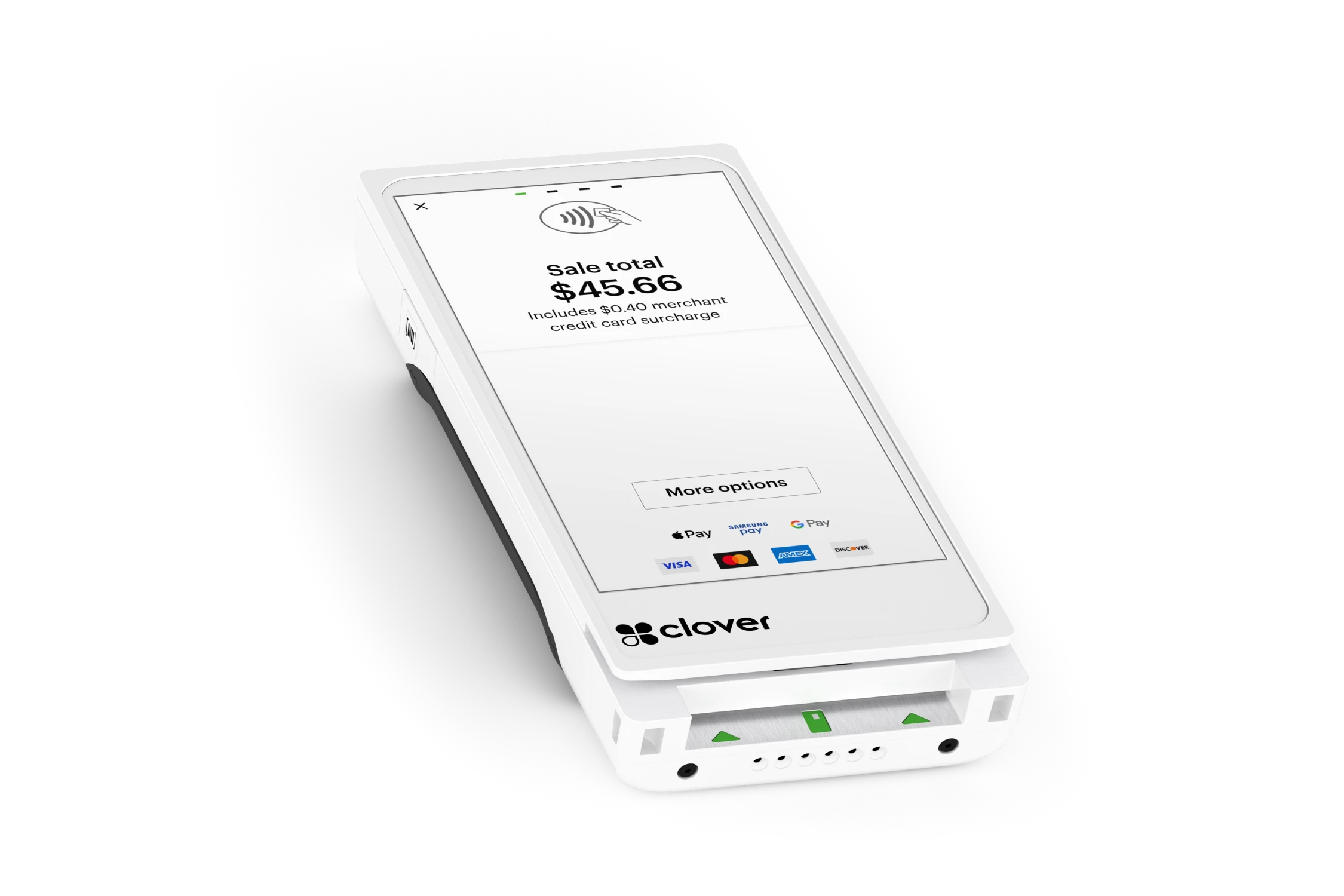
Printerless mobile POSCLOVER
CLOVER Flex PocketView product ↗

CLOVER

Flex Pocket

A lighter, pocketable Clover device for orders and payments anywhere the team works, with digital receipts instead of a built-in printer.BEST FORRestaurants · Retail floors · Field and service teams
  • All-day battery
  • Chip, tap and swipe
  • Barcode and QR scanning
Essential countertop terminalCLOVER
CLOVER CompactView product ↗

CLOVER

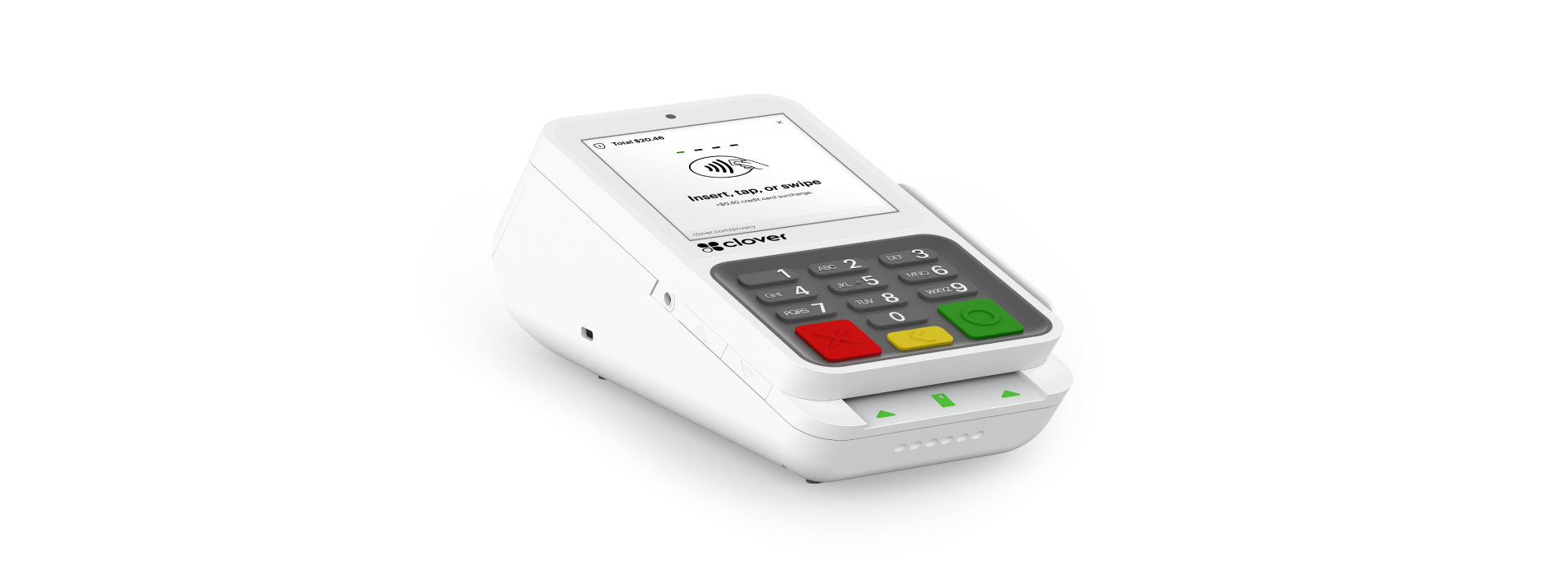
Compact

A streamlined payment terminal for merchants who need fast card acceptance without the operating footprint of a full POS.BEST FORSalons and spas · Medical practices · Retail and professional services
  • Physical keypad and touchscreen
  • Built-in receipt printer
  • Ethernet, Wi-Fi and LTE
Phone and tablet card readerCLOVER
CLOVER GoView product ↗

CLOVER

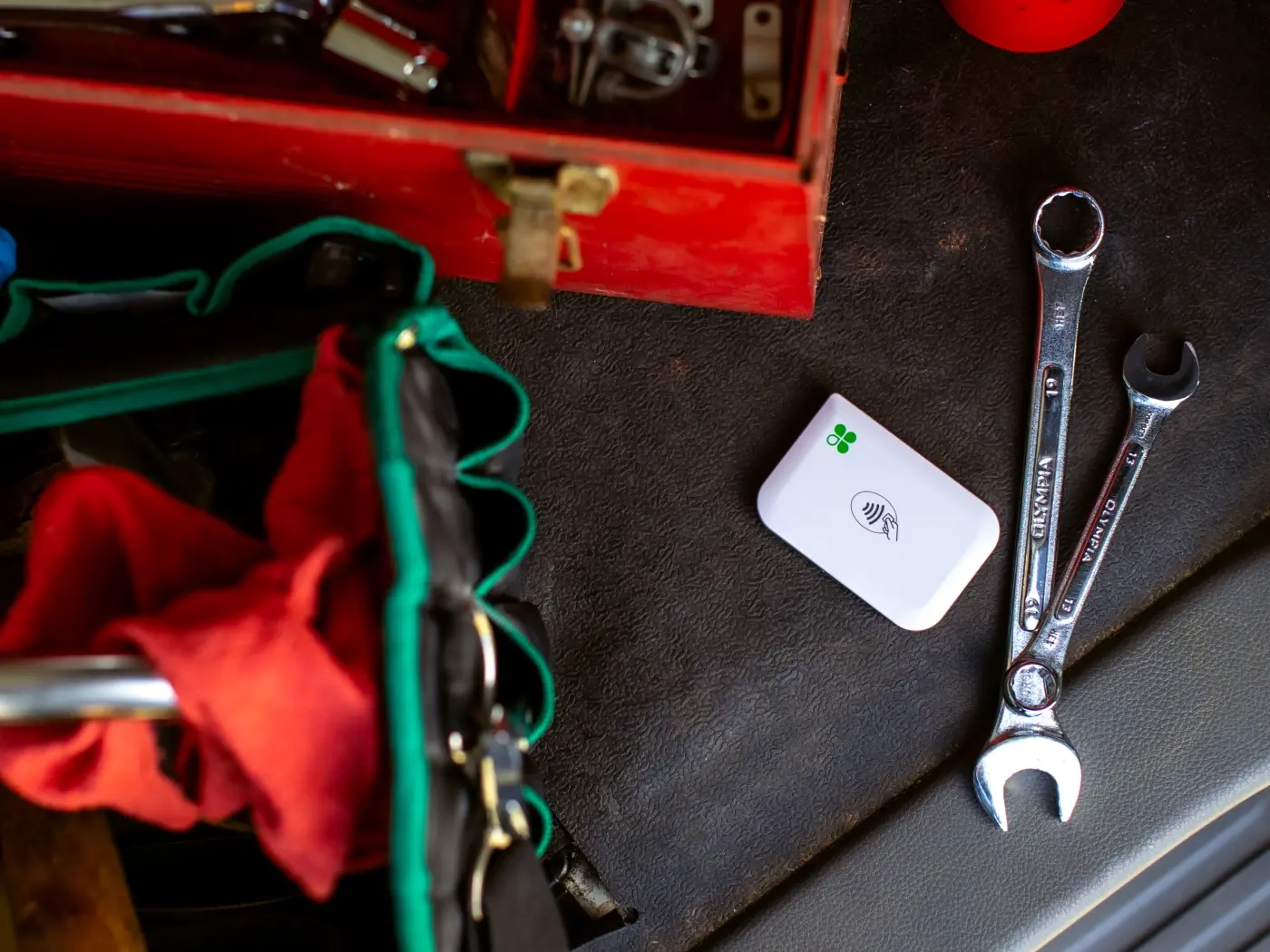
Go

A compact reader paired with the Clover Go app for accepting payments from a compatible phone or tablet.BEST FORPop-ups · Home and field services · Low-footprint mobile checkout
  • iOS and Android support
  • Chip and contactless payments
  • One-touch tipping

RESTAURANT EXPANSION

Move the line and the kitchen.

Customer self-ordering and kitchen production hardware for restaurant operators building beyond the front counter.
24-inch self-ordering systemCLOVER
CLOVER KioskView product ↗

CLOVER

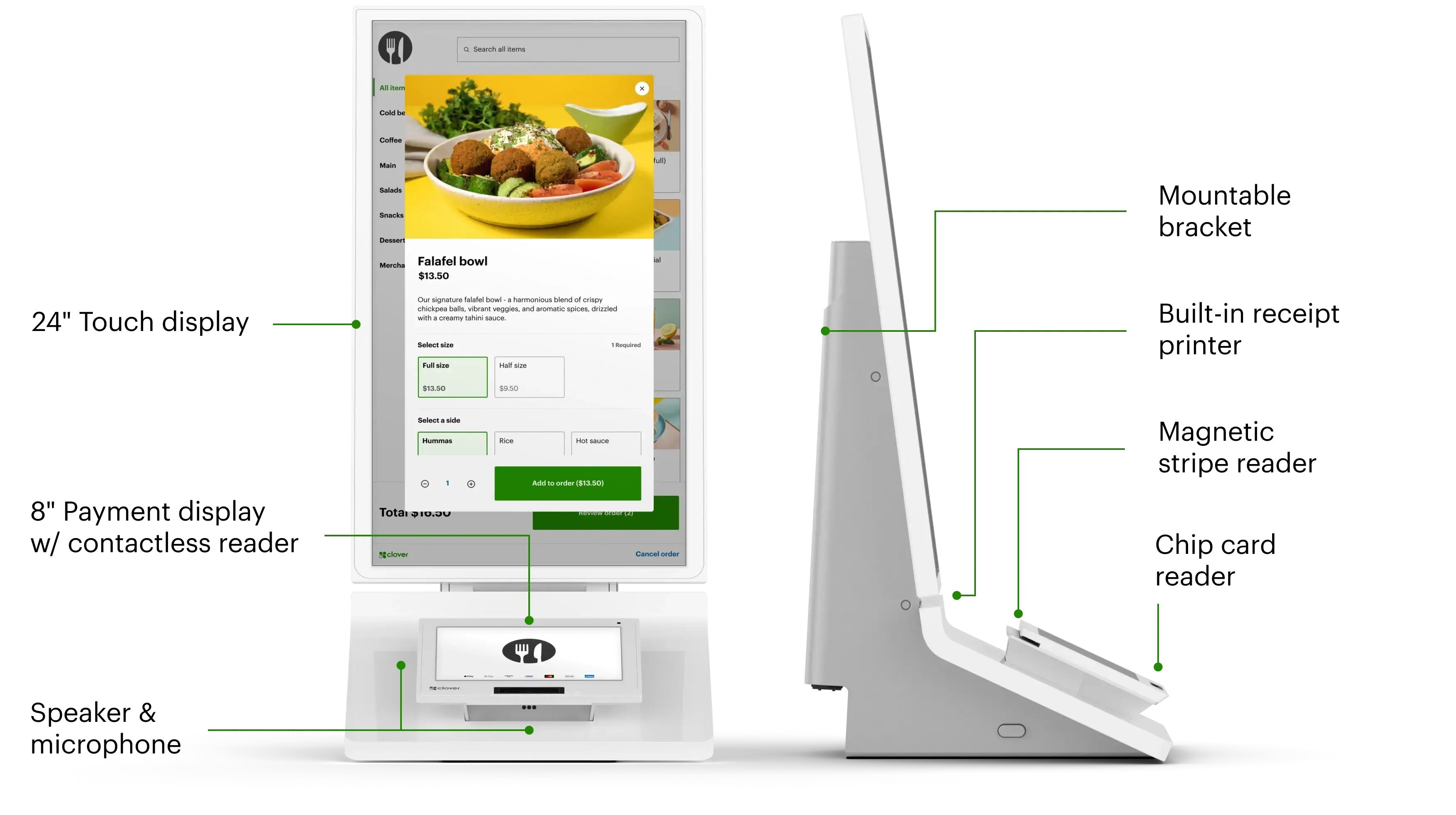
Kiosk

A large self-ordering experience that syncs the menu, takes payment and sends orders into the connected Clover restaurant workflow.BEST FORQuick-service restaurants · Food halls · High-volume self ordering
  • 24-inch display
  • Integrated payment terminal
  • Built-in printer
Restaurant production displayCLOVER
CLOVER Kitchen Display SystemView product ↗

CLOVER

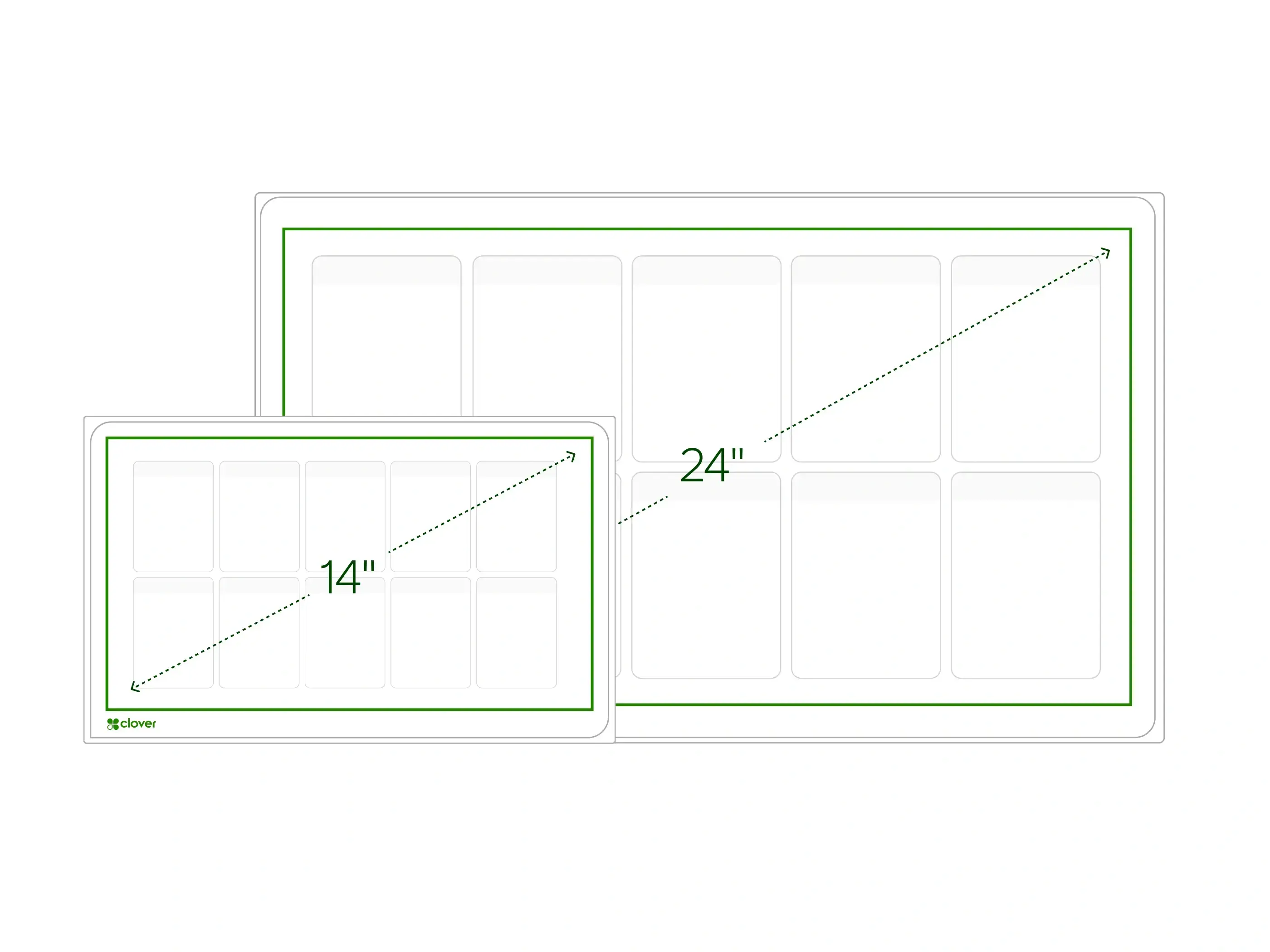
Kitchen Display System

A purpose-built kitchen screen that consolidates orders, routes items and gives the team one real-time view of production.BEST FORRestaurant kitchens · Expo stations · Multi-channel food service
  • 14-inch and 24-inch options
  • Item-level routing
  • Expo and fulfillment modes

INGENICO + INTEGRATED

Connect the checkout you already use.

Current Ingenico hardware for standalone terminal workflows or secure integration with an existing POS or practice platform.
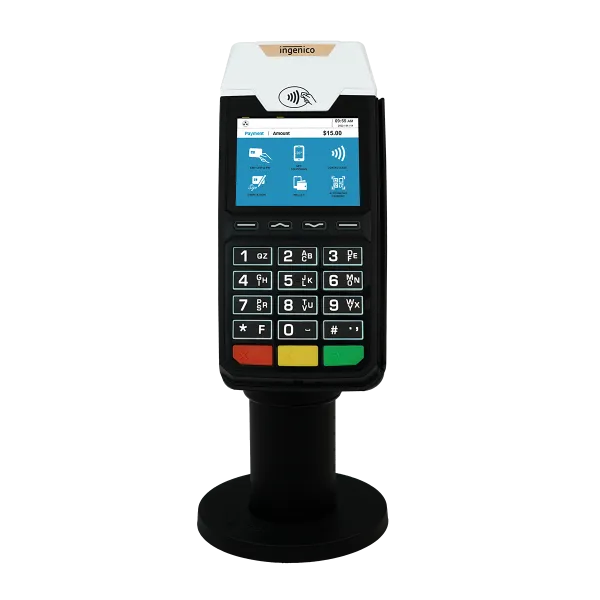
Current retail terminalINGENICO
INGENICO Desk/2600 + Desk/1600View product ↗

INGENICO

Desk/2600 + Desk/1600

A current standalone retail terminal, paired when needed with the Desk/1600 customer-facing PIN pad.BEST FORTraditional retail · Restaurants and delis · Spas and service counters
  • Chip, tap, swipe and keyed entry
  • P2PE and tokenization
  • Tip adjust and server IDs
Integrated customer PIN padINGENICO
INGENICO Lane/3600View product ↗

INGENICO

Lane/3600

A compact, current-generation customer-facing terminal for secure semi-integrated checkout environments.BEST FORIntegrated retail POS · Healthcare software · Hospitality counters
  • Chip, tap and swipe
  • PCI PTS v6
  • Fast wired integration

NO HARDWARE REQUIRED

The best terminal may be
the browser already open.

Online and back-office tools can operate alone or alongside the physical hardware selected above.

YOUR WORKING SETUP

Start with what your team actually needs.

Choose any device above, or continue without selecting hardware. Preferred structure: Purchase outright.
Start my application→